Getting started#
fcollections is a library that aims at reading a collections of files. Its
primary goal is to combine the selection, reading and concatenation of files
within a common model.
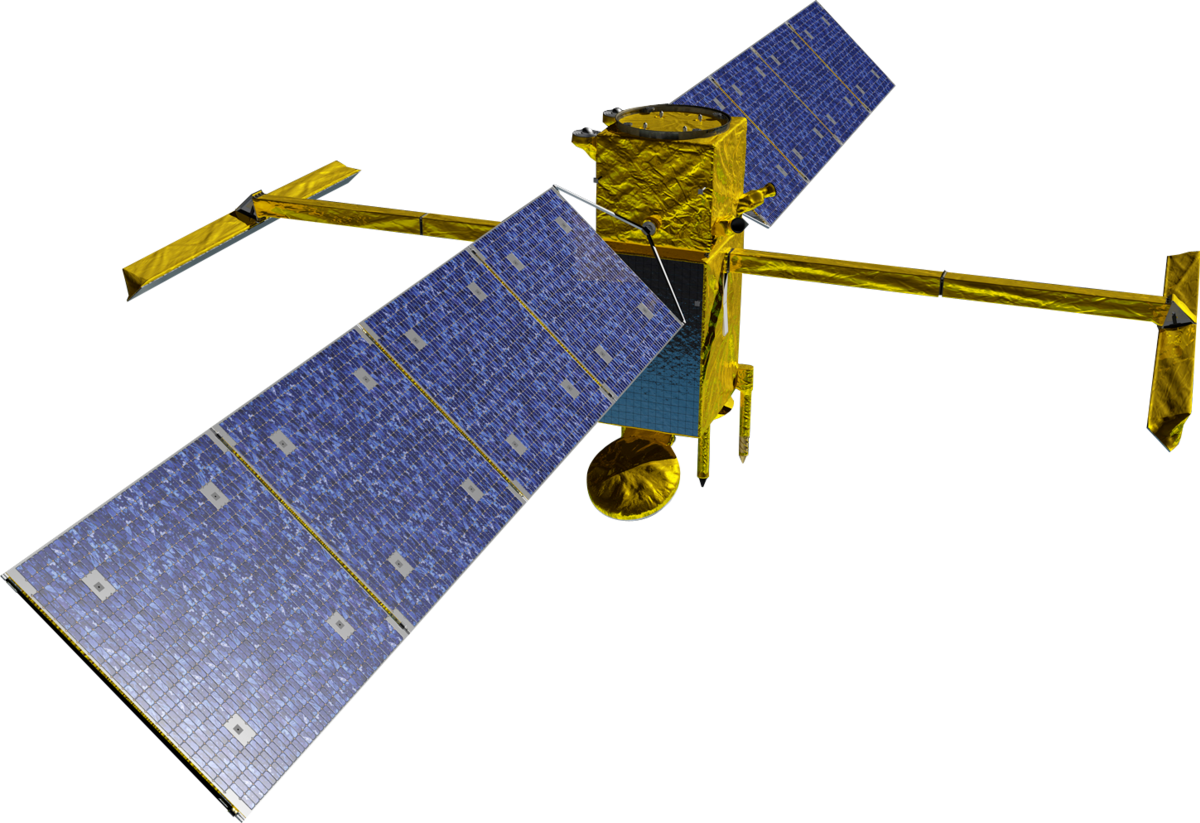
Let’s set up a minimal case with stub data for the SWOT altimetry mission.
import tempfile
import numpy as np
import xarray as xr

# Create stub data
path = tempfile.mkdtemp()
ds = xr.Dataset(data_vars={
    "ssha": (('num_lines', 'num_pixels'), np.random.random((9860, 69))),
    "swh": (('num_lines', 'num_pixels'), np.random.random((9860, 69))),})
ds.to_netcdf(f'{path}/SWOT_L2_LR_SSH_Expert_001_011_20240101T000000_20240101T030000_PGC0_01.nc')
ds.to_netcdf(f'{path}/SWOT_L2_LR_SSH_Expert_001_012_20240101T030000_20240101T060000_PGC0_01.nc')
Implementations#
When confronted to a files collection, the first step is to try and find if an implementation matching the data already exists. Such implementation may be found in the catalog
From the catalog, we can see that NetcdfFilesDatabaseSwotLRL2
matches our file names. In case no implementation is available, the user can
build its own following creation procedure.
Listing files#
An implementation can be used by simply giving the path to the data. An important endpoint for the implementation is the ability to list files matching given criterias
from fcollections.implementations import NetcdfFilesDatabaseSwotLRL2
fc = NetcdfFilesDatabaseSwotLRL2(path)
fc.list_files(cycle_number=1)
| cycle_number | pass_number | time | level | subset | version | filename | |
|---|---|---|---|---|---|---|---|
| 0 | 1 | 11 | [2024-01-01T00:00:00.000000, 2024-01-01T03:00:... | ProductLevel.L2 | ProductSubset.Expert | PGC0_01 | /tmp/tmp7xxvaq0o/SWOT_L2_LR_SSH_Expert_001_011... |
| 1 | 1 | 12 | [2024-01-01T03:00:00.000000, 2024-01-01T06:00:... | ProductLevel.L2 | ProductSubset.Expert | PGC0_01 | /tmp/tmp7xxvaq0o/SWOT_L2_LR_SSH_Expert_001_012... |
Listing files using filters is the first step toward subsetting the files set.
Query data#
Another important endpoint is the ability to read the file contents using the
query method.
fc.query()
<xarray.Dataset> Size: 22MB
Dimensions:       (num_lines: 19720, num_pixels: 69)
Dimensions without coordinates: num_lines, num_pixels
Data variables:
    ssha          (num_lines, num_pixels) float64 11MB dask.array<chunksize=(9860, 69), meta=np.ndarray>
    swh           (num_lines, num_pixels) float64 11MB dask.array<chunksize=(9860, 69), meta=np.ndarray>
    cycle_number  (num_lines) uint16 39kB 1 1 1 1 1 1 1 1 1 ... 1 1 1 1 1 1 1 1
pass_number (num_lines) uint16 39kB 11 11 11 11 11 11 ... 12 12 12 12 12The method returns a xarray.Dataset containing the combined data for
all files matching the regex specified by the implementation.
It is possible to load only a subset of the data by applying filters in the
query. For example, giving the cycle_number and pass_number argument
will select one half orbit of our altimetry mission.
fc.query(cycle_number=1, pass_number=11)
<xarray.Dataset> Size: 11MB
Dimensions:       (num_lines: 9860, num_pixels: 69)
Dimensions without coordinates: num_lines, num_pixels
Data variables:
    ssha          (num_lines, num_pixels) float64 5MB dask.array<chunksize=(9860, 69), meta=np.ndarray>
    swh           (num_lines, num_pixels) float64 5MB dask.array<chunksize=(9860, 69), meta=np.ndarray>
    cycle_number  (num_lines) uint16 20kB 1 1 1 1 1 1 1 1 1 ... 1 1 1 1 1 1 1 1
pass_number (num_lines) uint16 20kB 11 11 11 11 11 11 ... 11 11 11 11 11Variable selection is also available to return only part of the data
ds = fc.query(selected_variables=['ssha'])
list(ds.variables)
['ssha', 'cycle_number', 'pass_number']
Each implementation has its own filters. By order of availability, the user should consult:
The
Query overviewsection of the implementation’sDocumentation(see the catalog)The API documentation of the implementation’s method (see the catalog)
The prompted help displayed in a jupyter notebook or Python interpreter
fc.query?
Access metadata#
The database can display information about the variables and attributes
contained in the files’ collection using the variables_info method
fc.variables_info(subset='Expert')
Group: /
Dimensions
| num_lines | 9860 |
| num_pixels | 69 |
Variables
ssha
| name | ssha |
| dtype | float64 |
| dimensions | ('num_lines', 'num_pixels') |
| _FillValue | nan |
swh
| name | swh |
| dtype | float64 |
| dimensions | ('num_lines', 'num_pixels') |
| _FillValue | nan |
Attributes
It will offer a simple collapsible tree view with multiple levels of nesting depending on the data you manipulate
In order to return consistent metadata, the method ensures that only one
homogeneous subset is selected. In case you handle unmixable data (for example
Expert and Unsmoothed datasets), you must give proper filters on the subset
partitioning keys fc.unmixer.partition_keys. If these filters are missing,
an error with the possible choices will be raised.
# Create Unsmoothed file, this will mix Expert and Unsmoothed dataset
ds.to_netcdf(f'{path}/SWOT_L2_LR_SSH_Unsmoothed_001_012_20240101T030000_20240101T060000_PGC0_01.nc')

# This will not work because we don't know if we need to display Expert or
# Unsmoothed metadata
fc.variables_info()
Group: /
Dimensions
| num_lines | 9860 |
| num_pixels | 69 |
Variables
ssha
| name | ssha |
| dtype | float64 |
| dimensions | ('num_lines', 'num_pixels') |
| _FillValue | nan |
swh
| name | swh |
| dtype | float64 |
| dimensions | ('num_lines', 'num_pixels') |
| _FillValue | nan |
Attributes
# Use the enumeration name for filtering
fc.variables_info(subset='Expert')
Group: /
Dimensions
| num_lines | 9860 |
| num_pixels | 69 |
Variables
ssha
| name | ssha |
| dtype | float64 |
| dimensions | ('num_lines', 'num_pixels') |
| _FillValue | nan |
swh
| name | swh |
| dtype | float64 |
| dimensions | ('num_lines', 'num_pixels') |
| _FillValue | nan |